
Diorama Project
Description
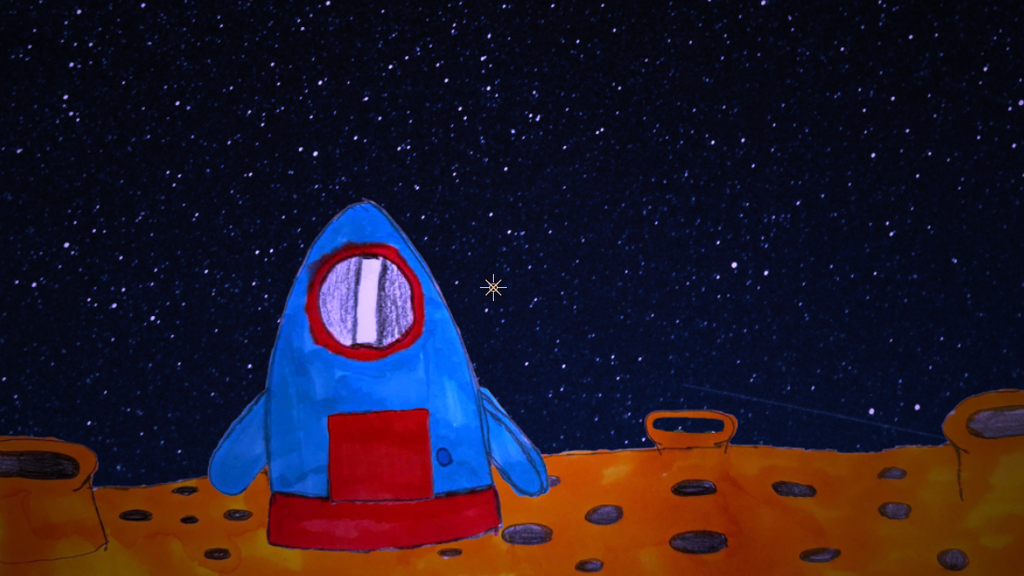
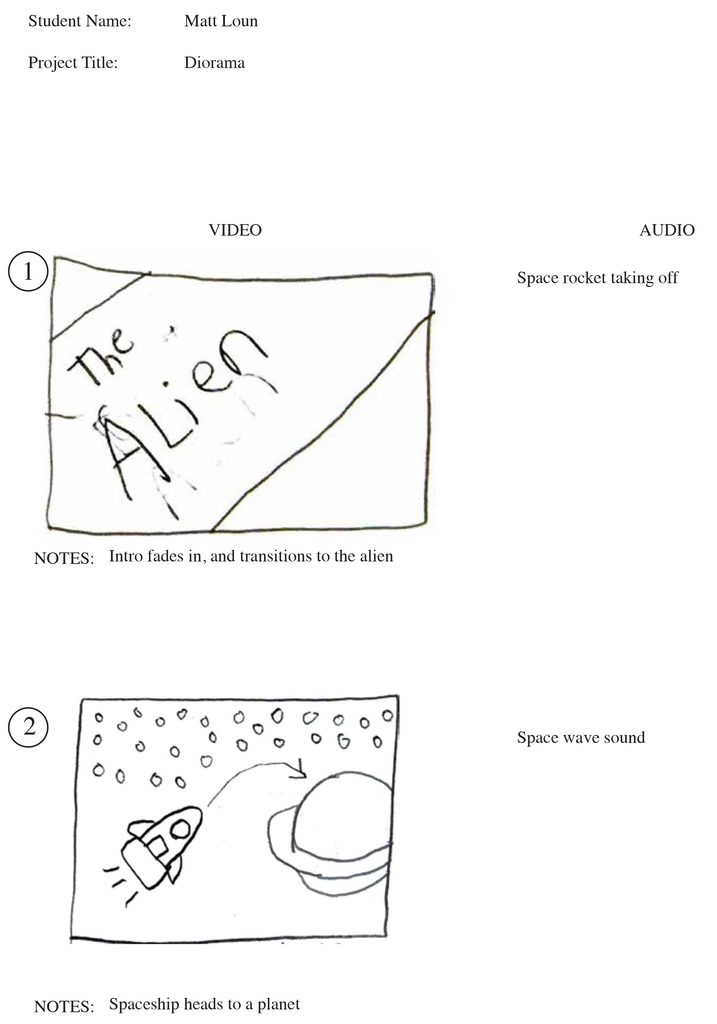
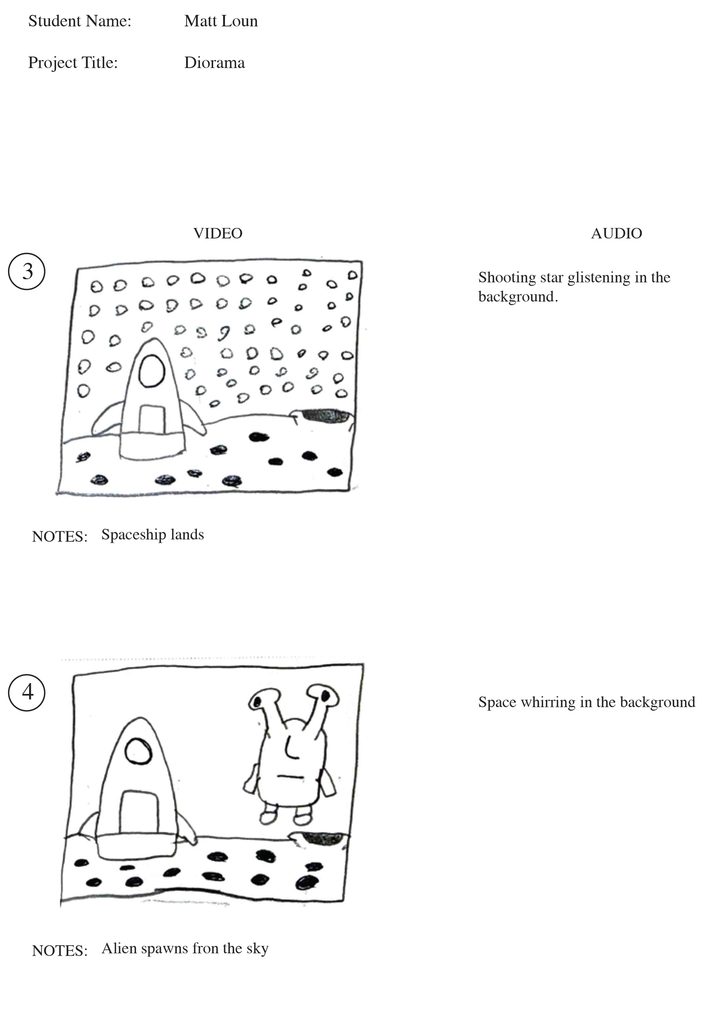
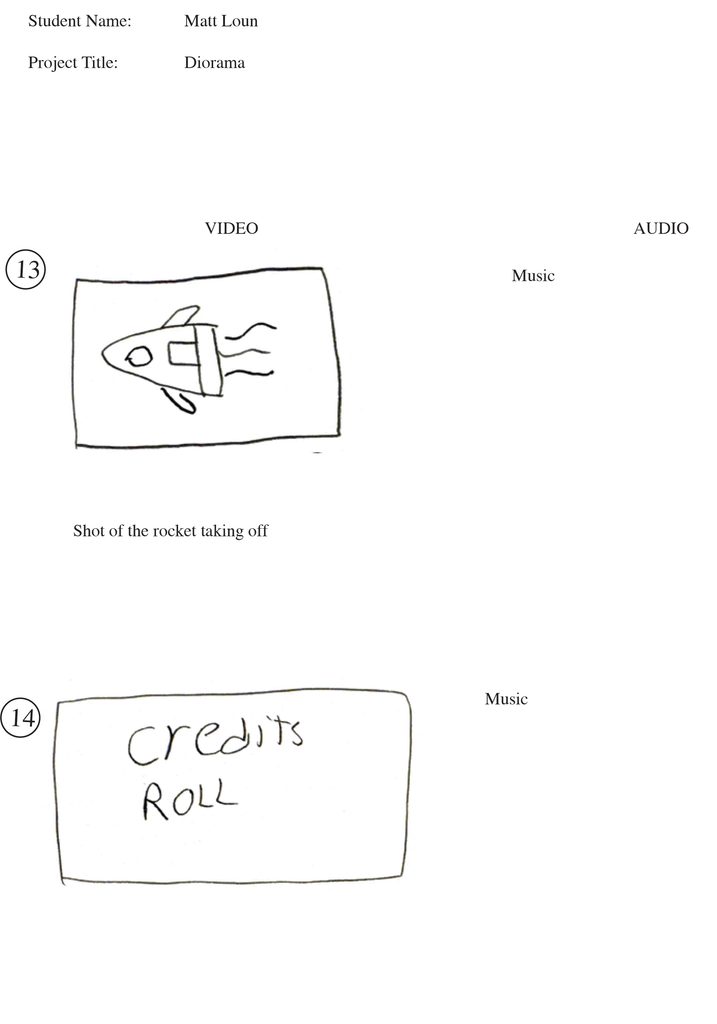
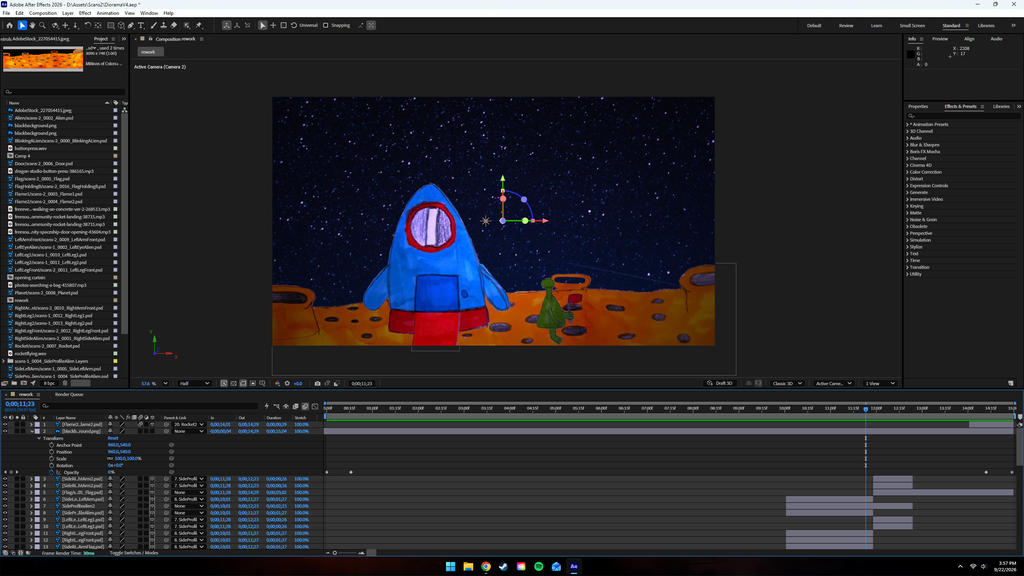
Aliens are in an asteroid field! You are tasked to create a diorama video. The goal for creating a diorama is to create an original animation in Adobe After Effects. And it could be whatever you want. For this assignment, you’ re tasked to create assets using ProCreate, Adobe Illustrator, FireAlpaca, or hand drawn on paper. After creating the assets, the next step is to all of the sketches together in a storyboard template, listing what’s going on in the sketch, as well as sound effects or a music track playing in the background. After creating the composites, the next step is to open up Photoshop, and digitally scan each composite separately, exporting the assets layer by layer. The last step in the process is to animate the assets based from the storyboard template from beginning to end.
Sketches
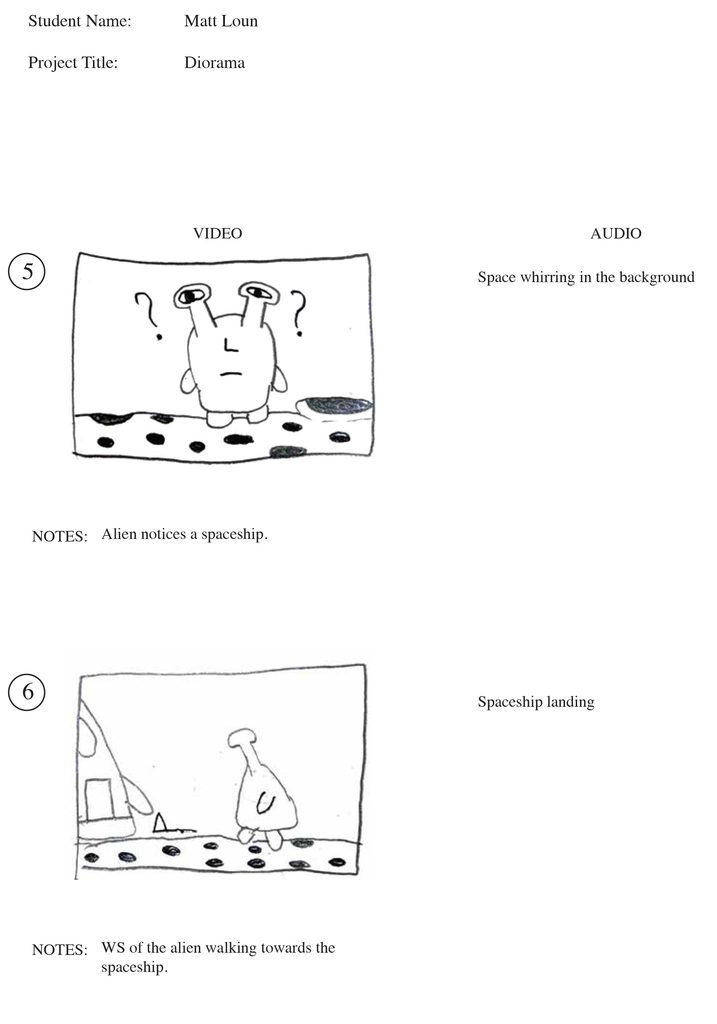
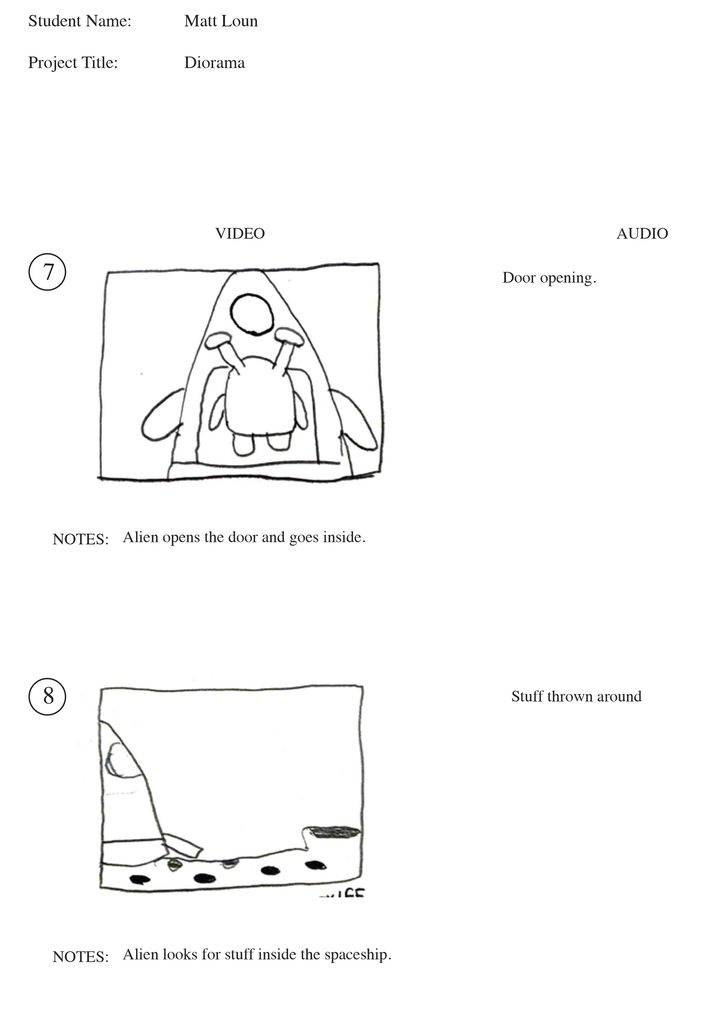
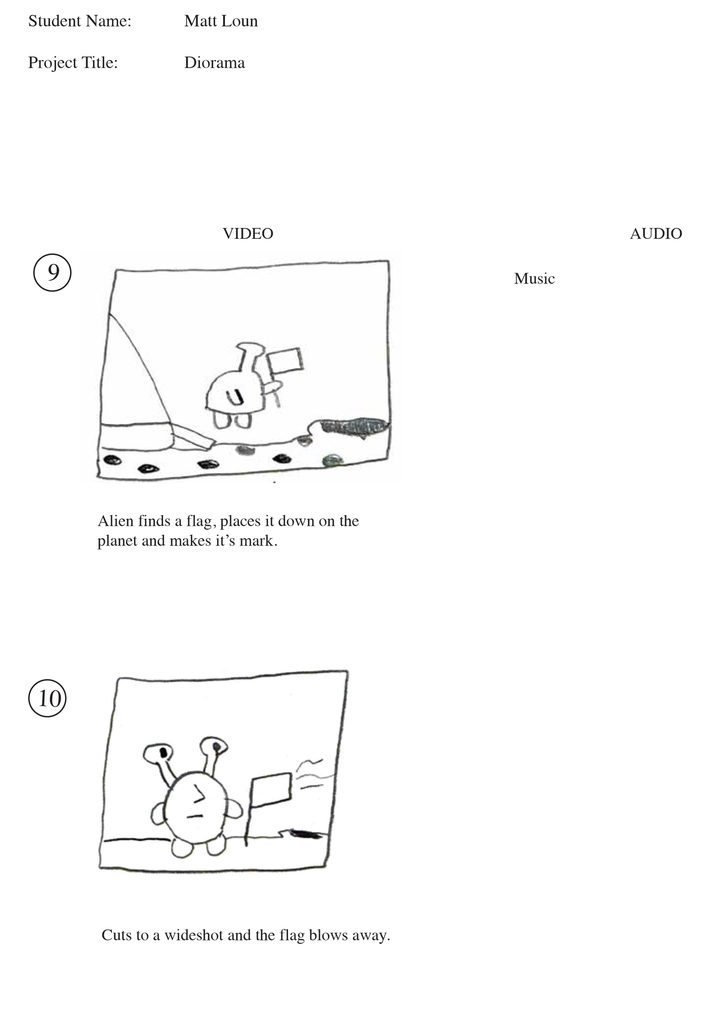
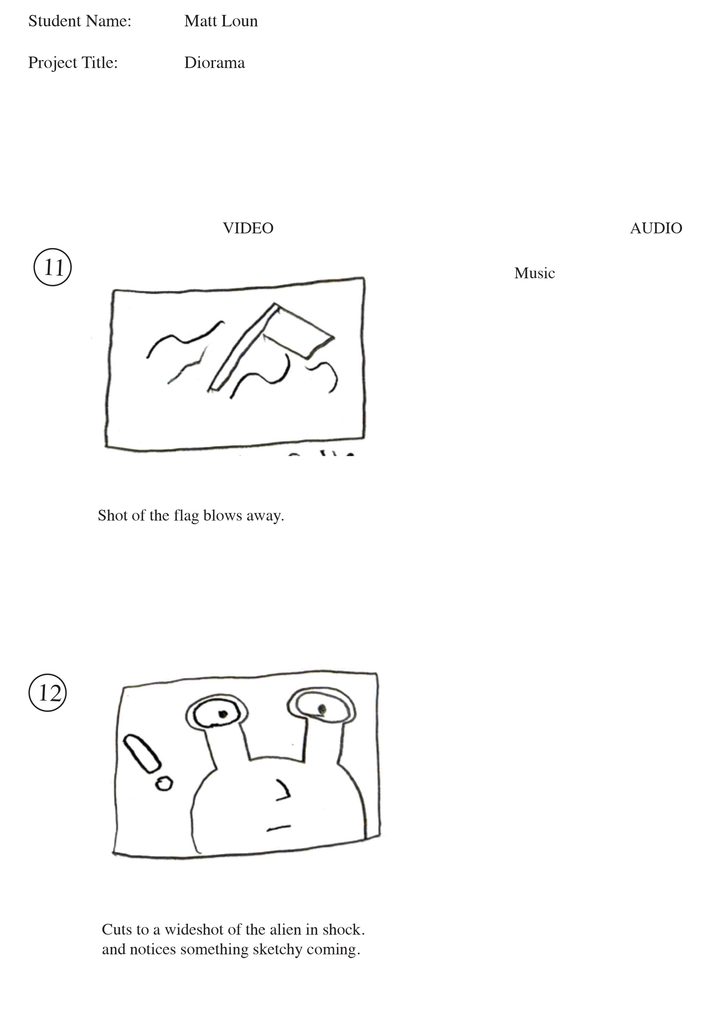
Animation Process
Reflection
Working on this project was fun. But challenging at the same time, mostly I had to go back and re-edit some of the sketches; so that It makes more sense with what I’m telling. Another challenge I’ve faced while designing the diorama is the timing of the video. The original timing of the diorama video was around 30 seconds, which I trimmed it to 15 seconds in the final version. I also had some scenes that were long pacing, and I shortened the scenes so that it flows better. Overall, I’m very proud with how the final render came out, and I’m hoping to do more of these in the future.
Interested in my work?
If you’re interested in seeing more of my work, or if you’re interested in a commission, check out my portfolio or get in contact!